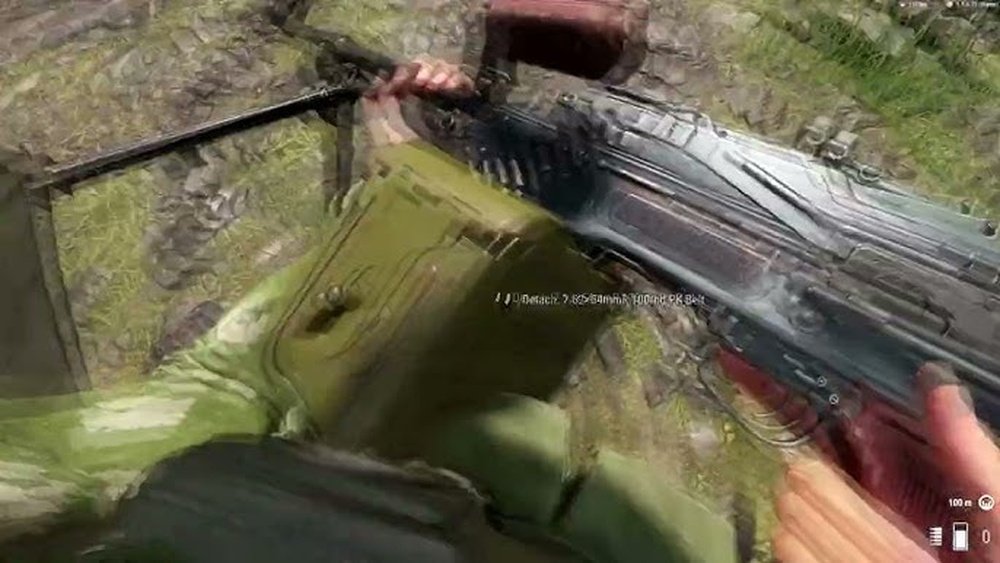
Deploying a bipod in Arma Reforger can make a big difference in your shooting accuracy and stability, especially when firing from long distances or under enemy fire. Many players find the mechanics different from other games in the series, which sometimes causes confusion. This article explains, in clear language, how to deploy the bipod, why it matters, and what common mistakes to avoid. Whether you are new to the game or want to improve your skills, you will find practical tips and examples here.
What A Bipod Does In Arma Reforger
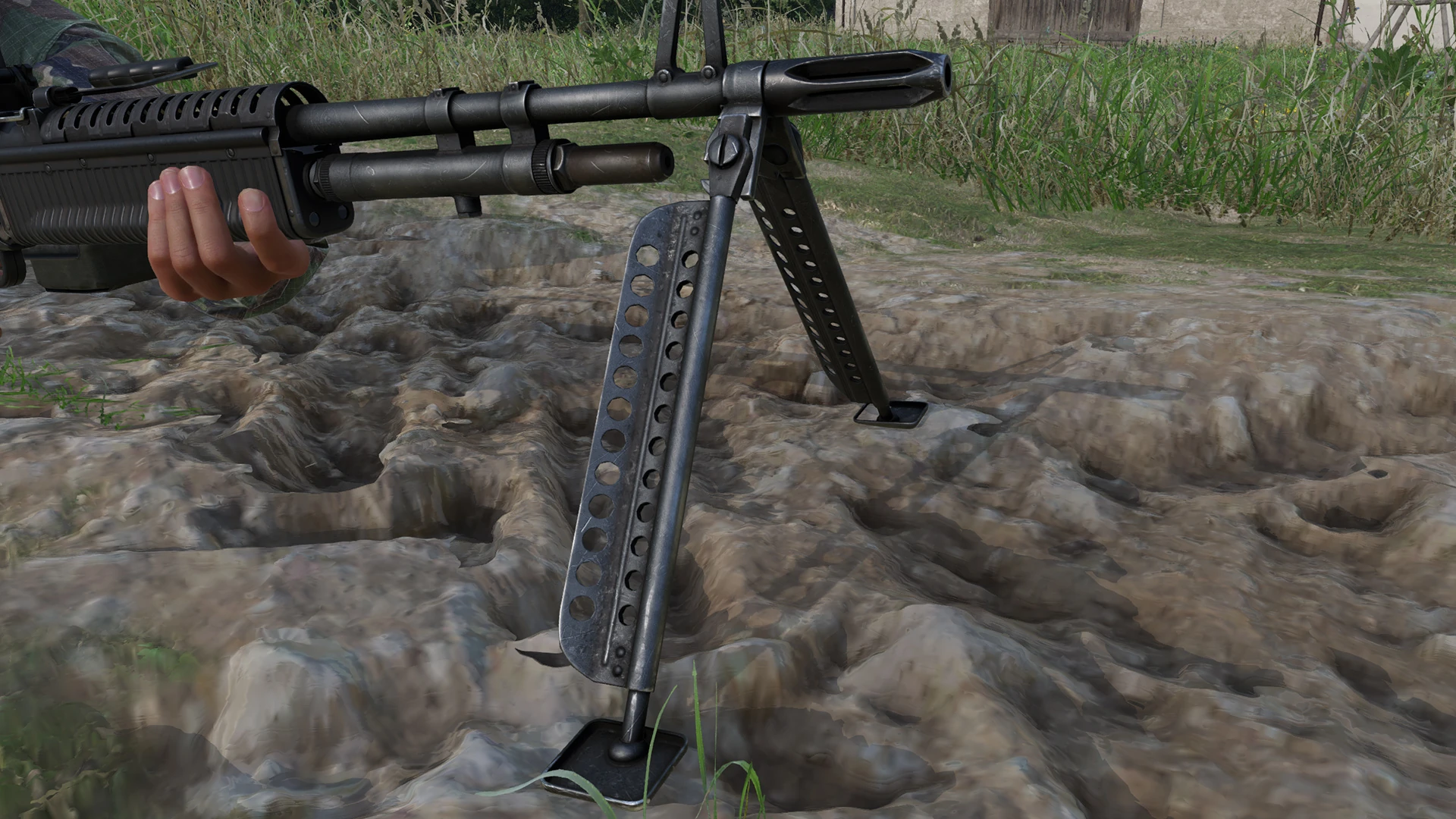
A bipod is a support device attached to the front of a rifle. In Arma Reforger, using the bipod helps reduce weapon sway and recoil when you are lying down or firing from cover. This leads to more accurate shots, especially with heavy weapons or when aiming at targets far away.
Most rifles and machine guns in the game can use a bipod. However, not every weapon includes one by default. You need to check your weapon or attach a bipod if the mission or server allows.
Key benefits of using a bipod:
- Reduces weapon sway
- Lowers recoil
- Improves accuracy for long shots
- Helps control rapid fire
Requirements For Bipod Deployment
Before you deploy a bipod, a few things must be in place. These requirements are easy to miss, which can lead to frustration for new players.
| Requirement | Details |
|---|---|
| Weapon Type | Must have a bipod attachment or built-in bipod (usually LMGs, DMRs, some rifles). |
| Position | Player must be prone or near a solid surface (wall, sandbag, window ledge). |
| Surface | Surface should be flat and stable. Slopes or uneven ground may prevent deployment. |
| Game Settings | Some servers or game modes may disable bipods or limit their use. |
A common mistake is trying to deploy the bipod while standing or crouching. In Arma Reforger, you usually need to be lying down or very close to a suitable object.

How To Deploy The Bipod
Deploying the bipod in Arma Reforger involves a few simple actions, but the exact method can depend on your control settings. Below are the general steps for both keyboard and controller users.
For Keyboard And Mouse
- Go Prone: Press the key for lying down (default: ‘Z’).
- Aim at Surface: Look toward the flat ground or edge where you want to deploy.
- Deploy Bipod: Press the designated bipod key (usually ‘C’ or ‘Ctrl’ + ‘C’). If you have changed your key bindings, check your controls menu.
- Watch for Icon: A small icon or message will show if the bipod is deployed. If nothing happens, adjust your position or surface.
For Controller
- Go Prone: Use the stick or button assigned for lying down.
- Aim at Surface: Point your crosshair at a suitable area.
- Deploy Bipod: Press the button mapped for bipod deployment (often the same as ‘hold breath’ or a dedicated action).
- Confirm Deployment: Look for visual or audio feedback.
If you cannot deploy, move slightly or try another spot. Sometimes even a small shift makes deployment possible.
Tips For Effective Bipod Use
Getting the most from your bipod means more than just pressing a button. Here are some practical tips:
- Pick Good Cover: Use sandbags, walls, or fallen trees for both support and protection.
- Check Your Angle: The bipod only works within a certain field of view. Too much up/down or left/right movement will un-deploy it.
- Stay Low: The lower your profile, the harder it is for enemies to spot and shoot you.
- Combine with Optics: Use a scope for maximum benefit, especially at long range.
- Know When to Undeploy: If you need to move quickly, undeploy the bipod first to avoid getting stuck.
Non-obvious insight: You can sometimes deploy a bipod on low walls or windows, even when not fully prone. This lets you fire from cover without exposing your whole body.
Common Mistakes And How To Avoid Them
New players often run into issues when trying to use the bipod in Arma Reforger. Here are the most frequent problems and how to fix them:
| Mistake | Why It Happens | Solution |
|---|---|---|
| Wrong Position | Trying to deploy while standing or crouching | Go prone or get closer to the support surface |
| Bad Surface | Surface is too uneven or sloped | Find a flatter area or use different cover |
| Key Bindings | Bipod key is unassigned or changed | Check controls in settings and assign a bipod key |
| Weapon Lacks Bipod | Using a weapon without a bipod attachment | Switch to a supported weapon |
| Moving Too Much | Moving the gun too far left/right/up/down | Keep movements small to stay deployed |
Another non-obvious insight: Some servers have custom rules that change how bipods work. If you notice differences, check the server rules or ask other players.
Bipod Vs. No Bipod: Impact On Shooting
The bipod can make a significant difference in your shooting performance. The table below compares shooting with and without a bipod for common scenarios.
| Scenario | With Bipod | Without Bipod |
|---|---|---|
| Long-range shot (300m+) | High accuracy, low recoil | Lower accuracy, higher recoil |
| Machine gun burst | Better control, more hits | Harder to control, more misses |
| Quick repositioning | Slower to move, but stable | Faster movement, less stability |
This shows why using a bipod is important for support gunners and marksmen. It can turn a difficult shot into an easy one.

Troubleshooting Deployment Problems
If your bipod still does not deploy, try these solutions:
- Check your weapon: Make sure it supports a bipod.
- Review controls: Look in the settings menu for your bipod key or button.
- Adjust your position: Even small changes can help.
- Try a new surface: Move to a different spot if the ground is too rough.
- Ask teammates: Other players may notice something you missed.
If you are still having issues, the official forums or the Bohemia Interactive Wiki can be helpful.
Frequently Asked Questions
How Do I Know If My Weapon Has A Bipod?
Most machine guns and some rifles come with a bipod. Look for a small bipod model under the barrel or check the weapon description in your inventory. If you still are not sure, try the bipod key—if nothing happens, your weapon likely does not have one.
Can I Deploy A Bipod While Crouching?
No, you usually need to be lying down (prone) or pressed against a low wall, sandbag, or window ledge. The game restricts bipod use to stable firing positions.
Why Does My Bipod Undeploy When I Move The Gun?
The bipod only works within a limited angle. If you move your gun too far up, down, or to the side, the bipod will automatically undeploy. Try to keep your movements small and controlled.
Is The Bipod Available In All Game Modes?
No, some custom servers or game modes may remove or limit bipod use. Check the server rules or ask other players if you cannot deploy your bipod in a certain mode.
What Should I Do If The Bipod Key Is Not Working?
Open the game’s controls settings and look for the bipod key binding. Assign a key if it is empty or change it if it conflicts with another action. This fixes most input issues.
Deploying a bipod in Arma Reforger can greatly improve your shooting, but it takes practice to use it well. By following these tips and avoiding common mistakes, you can take your marksmanship to the next level.

Leave a Reply