
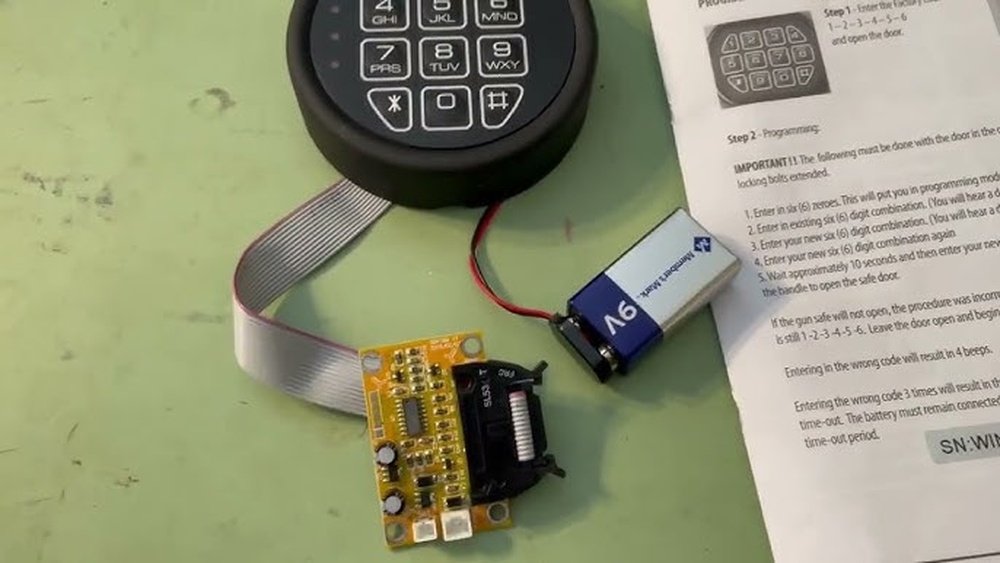
Resetting the code on a Winchester gun safe can be stressful if you don’t have clear directions. Many people worry about getting locked out or making a mistake that could damage the lock. With the right method, though, you can set a new code and regain peace of mind about your safe’s security.
This article shares simple, reliable instructions to reset your Winchester gun safe code, no matter the model you own.
Why Reset Your Winchester Gun Safe Code?
You may need to change your code for different reasons:
- Security concern: Someone else may know your old code.
- Forgetfulness: You can’t remember your current code.
- New owner: You received the safe from someone else.
Changing the code keeps your guns and valuables protected. If you move your safe, resetting the code ensures only trusted people have access.
Types Of Winchester Gun Safe Locks
Winchester gun safes use different types of locks. Knowing which one you have is important because the reset process varies. Most common types include:
- Electronic keypad
- Mechanical dial
- Biometric lock
The majority of Winchester safes use an electronic keypad. Mechanical dials are rare in newer models. Biometric locks are found on select premium safes. Check your safe’s manual or lock face to confirm the type.
Here’s a simple table for comparison:
| Lock Type | Reset Difficulty | Tools Needed |
|---|---|---|
| Electronic Keypad | Easy | Factory code |
| Mechanical Dial | Hard | Locksmith |
| Biometric | Medium | Manual/fingerprint |

How To Reset An Electronic Keypad Code
Most users have an electronic keypad model. Here’s how to reset the code safely.
Find The Factory Code
Your safe came with a factory code (usually 5 or 6 digits). This code allows you to enter programming mode. If you don’t have it, check:
- The owner’s manual
- Sticker inside the door
- Contact Winchester support
Never try to guess the code too many times. Too many failed attempts can lock you out.
Enter Programming Mode
- Open your safe using the current code or factory code.
- With the door open, extend the locking bolts if possible.
- Press and hold the program button inside the door (usually on the back of the keypad or battery compartment) until you hear a beep.
Set Your New Code
- Enter the factory code on the keypad.
- After the beep, type your new code (usually 4-8 digits).
- Press the # or enter button (depending on model).
- Wait for confirmation beeps.
Test your new code several times with the door open before closing the safe. This avoids accidental lockouts.
Important Tips
- Never use easy codes like “1234” or your birth year.
- Keep your code in a safe place, not written on the safe.
- If you make a mistake, repeat the process from the beginning.
Resetting A Mechanical Dial
Mechanical dials are harder to reset. You usually need a professional locksmith. The process involves:
- Disassembling part of the lock
- Setting a new combination with special tools
Do not try to reset a mechanical dial yourself. You can damage the lock, making the safe unusable. Always contact Winchester or a certified locksmith for this type.
Here’s a comparison of electronic and mechanical resets:
| Feature | Electronic Keypad | Mechanical Dial |
|---|---|---|
| DIY Reset | Yes | No |
| Time Needed | 5 minutes | 30+ minutes |
| Risk of Error | Low | High |
Changing The Code On A Biometric Lock
Biometric locks use fingerprints instead of codes. To reset:
- Open the safe with your fingerprint or backup key.
- Find the reset button inside the safe.
- Press and hold the button until you hear a beep.
- Register new fingerprints by following the manual.
Some biometric safes let you add a backup code. Always test the new fingerprint with the door open.
Common Mistakes To Avoid
Many people make avoidable errors when resetting their codes:
- Using a weak code (like “0000”)
- Forgetting to test the new code with the door open
- Not writing down the new code in a secure place
- Trying to force the lock if the code doesn’t work
If you can’t reset the code after a few tries, don’t panic. Call Winchester’s support or a locksmith for help.
Practical Troubleshooting
If you run into problems, check these points first:
- Keypad not responding: Replace batteries. Weak batteries cause many issues.
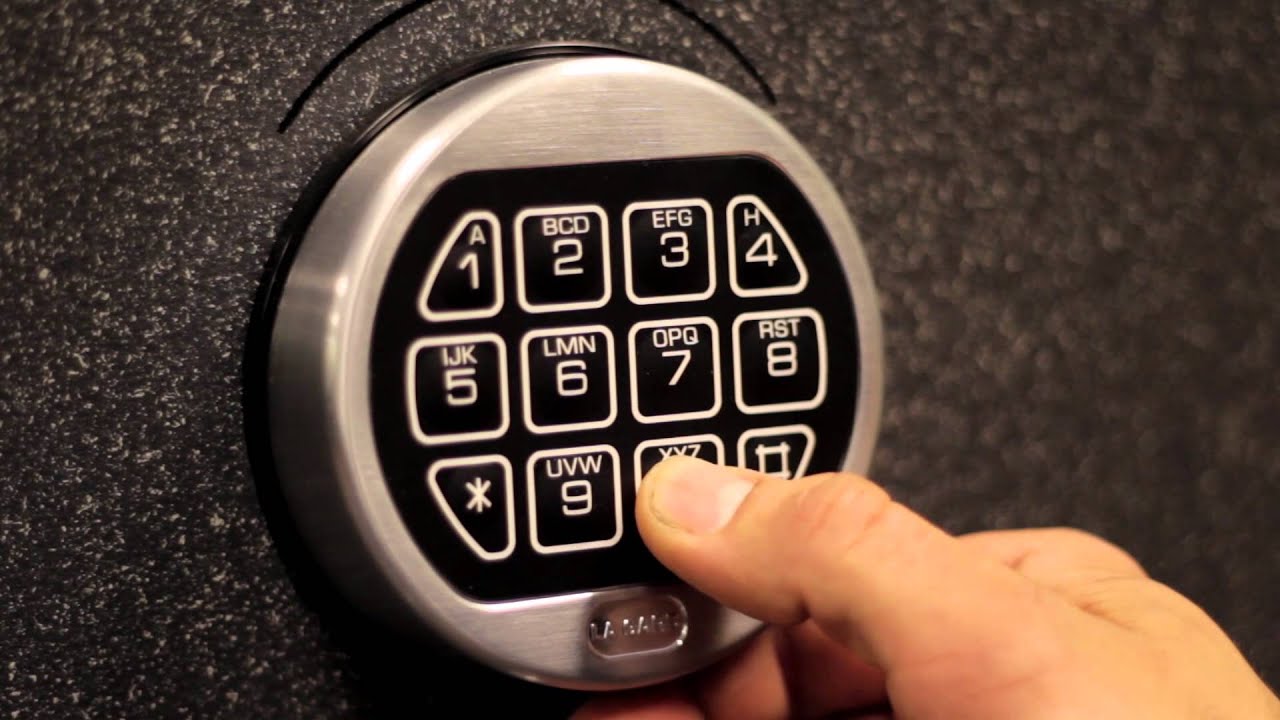
- Code not accepted: Wait 15 minutes and try again. Some safes enter a timeout after failed attempts.
- Lost factory code: Call Winchester with your safe’s serial number. They can verify ownership and help.
Here’s a summary table for troubleshooting:
| Problem | Solution |
|---|---|
| Keypad dead | Replace batteries |
| Code forgotten | Use factory code or call support |
| Lockout | Wait and retry, or call locksmith |
When To Call A Professional
If you:
- Lose all codes and backup keys
- Have a mechanical dial safe
- Notice damage to the lock
Contact Winchester support or a certified locksmith. Trying to open the safe yourself may void your warranty or cause costly damage.
For more details and official guidance, visit the Winchester Safes Support page.
Frequently Asked Questions
How Often Should I Reset My Winchester Gun Safe Code?
It’s smart to change your code once a year or if you think someone else knows it. Always reset after buying a used safe.
Can I Reset The Code If I Forgot The Factory Code?
You will need to contact Winchester support. They can verify you are the owner and give you steps to recover or reset the factory code.
What Batteries Should I Use For My Electronic Keypad?
Use fresh, high-quality alkaline batteries. Avoid rechargeable or cheap batteries, as they can cause malfunctions.
Is It Possible To Reset A Mechanical Dial Code Myself?
No, only a trained locksmith or Winchester technician should reset a mechanical dial. DIY attempts can ruin the lock.
Will Resetting The Code Erase Saved Fingerprints On A Biometric Safe?
Usually, resetting the code does not remove fingerprints. However, some models reset all data. Check your safe’s manual before starting.
Resetting your Winchester gun safe code is simple with the right approach. Take time to read your manual, use strong codes, and test before closing the door. If you ever get stuck, Winchester’s support and professional locksmiths are there to help.
This keeps your guns and valuables safe, giving you peace of mind every day.

Leave a Reply